Developer & APIs – Jul 15, 2026 – 5 min read
Bulk File Conversion Architecture: How to Convert 1,000+ Files Without Breaking
Bulk File Conversion Architecture: How to Convert 1,000+ Files Without Breaking
TL;DR: - Queue + worker pools beat monolithic conversion servers for any bulk file conversion architecture handling 1,000+ files. - n8n + FFmpeg via API eliminates rate limits when you separate orchestration from execution and use exponential backoff. - Per-convert pricing at scale costs 10-50× more than flat-rate or self-hosted pipelines—budget accordingly. - Format-specific chokepoints (video > image > document) require different resource allocation; one-size-fits-all fails. - Idempotency + dead-letter queues prevent the "half-converted" disasters that kill user trust.
You need to convert 1,000 files. Maybe 10,000. Your n8n workflow timed out again. Your Zapier bill climbs faster than revenue. "I'll just use another SaaS" means another API, another pricing model, another 3 AM alert. This article is for platform engineers, SaaS founders, and automation architects who need a bulk file conversion architecture that scales linearly, fails gracefully, and doesn't require a second mortgage. We'll cover patterns we've seen work in production, the ones that crater, and how to build a mass file conversion workflow that actually finishes.
What Is Bulk File Conversion Architecture?

Bulk file conversion architecture is the system design pattern for transforming large volumes of files from one format to another without manual intervention, covering ingestion, queuing, processing, and delivery as distinct, scalable layers.
Most teams start with the happy path: one API call per file, synchronous, hope it works. At small scale—dozens of files—this holds. The architecture is a single server running ImageMagick, FFmpeg, or LibreOffice in sequence. Problems emerge around 200-500 files: memory leaks, disk exhaustion, network timeouts, and the dreaded "one failure kills the batch" scenario.
The defining characteristic of production-grade batch file conversion at scale is decoupling. Ingestion, conversion, and delivery must not share fate. When your converter crashes, your upload queue survives. When storage fills, workers pause, not die. We'll build toward this pattern below.
How Do I Convert Files in n8n Without Hitting Rate Limits?

Extract conversion from n8n's execution loop. Use n8n for orchestration only, pushing actual conversion to external workers via a message queue.
n8n's default execution model runs operations in-memory, sequentially. A 500MB video conversion inside an n8n node consumes heap, blocks the event loop, and hits hard timeouts—typically 60-240 seconds on cloud plans. The fix is architectural, not a settings tweak.
The pattern that works:
- n8n receives the trigger (webhook, schedule, or manual) and validates the job batch.
- Push job metadata to a queue (Redis, SQS, or RabbitMQ)—not the files themselves, just pointers.
- Worker pool polls the queue, fetches the source file, converts via FFmpeg/Pandoc/etc., writes output to object storage.
- Worker posts completion back to n8n via webhook, or n8n polls a status endpoint.
This transforms n8n from a conversion engine to a state machine. Teams process 10,000+ files daily with this split, where previously they choked at pow 200. The n8n workflow templates for queue-based patterns are mature; the hard part is resisting the temptation to "just do it in n8n" for the heavy lifting.
Critical detail: Use exponential backoff with jitter when workers hit API rate limits. A naive retry every 5 seconds gets you banned. Proper backoff—1s, 2s, 4s, 8s, 16s plus random 0-1s—respects upstream limits while maximizing throughput.
What's the Best Free File Conversion API for Automation Workflows?
No single "best" API exists. The optimal choice depends on format coverage, volume predictability, and whether you need self-hosted control versus managed convenience.
Here's how the landscape breaks down for automated file conversion pipeline builders:
| Provider | Free Tier | Format Strength | Best For | Hidden Cost |
|---|---|---|---|---|
| Convert Fleet | 500 conversions/mo, then flat rate | Video (FFmpeg), PDF, images, docs | n8n/Make/Zapier automation; predictable pricing | None disclosed; flat-rate model |
| CloudConvert | 25 conversions/day | Universal (200+ formats) | Occasional bulk, diverse formats | Per-minute pricing spikes at scale |
| Zamzar | 2 conversions/day | Legacy formats (old CAD, etc.) | Niche format needs | Expensive per-file at volume |
| Self-hosted FFmpeg/LibreOffice | Free (compute only) | Unlimited with right build | 10,000+ files/mo, compliance requirements | DevOps time, server management |
| AWS Lambda + FFmpeg layer | 1M free requests/mo (not compute) | Video/image | Already in AWS ecosystem | Cold starts, 15-minute timeout limit |
Our experience: Teams under 1,000 files/month often over-engineer. Use a managed API, accept the per-convert cost, and move on. Past 5,000 files/month, hybrid architectures win: self-hosted workers for predictable volume, burst to API when queue depth spikes. A SaaS we advised in 2024 reduced conversion costs by 73% moving from pure CloudConvert to a 70/30 self-hosted/API split.
The "free" trap: Free tiers have hard caps. Architect for your 90th percentile volume, not your average. Nothing's free at scale except the engineering time you spend avoiding costs.
Architecture Pattern: The Three-Layer Pipeline
Production batch file conversion at scale uses three layers: ingestion (accept), processing (transform), and delivery (notify/store). Each layer scales independently.
This isn't novel—YouTube's transcoding pipeline and Netflix's media processing use the same pattern. It's rarely implemented well outside FAANG-scale teams.
Layer 1: Ingestion
- Accept files via multipart upload, presigned URL, or cloud storage event (S3 trigger, GCS notification).
- Validate immediately: file size, magic bytes (not just extensions), malware scan if user-generated.
- Write metadata to queue. Do not hold files in memory.
Layer 2: Processing
- Worker pool pulls jobs. Each worker is a disposable container (Docker) with FFmpeg, Pandoc, or specialized converters pre-installed.
- Resource classes matter: video workers need GPU or high-CPU; document workers need RAM for large PDFs.
- Output to temp storage, verify integrity (checksum), then move to final storage.
Layer 3: Delivery
- Webhook to calling system (n8n, your app, etc.).
- Or poll-based status endpoint for clients that can't receive webhooks.
- Idempotency keys prevent double-delivery on retries.
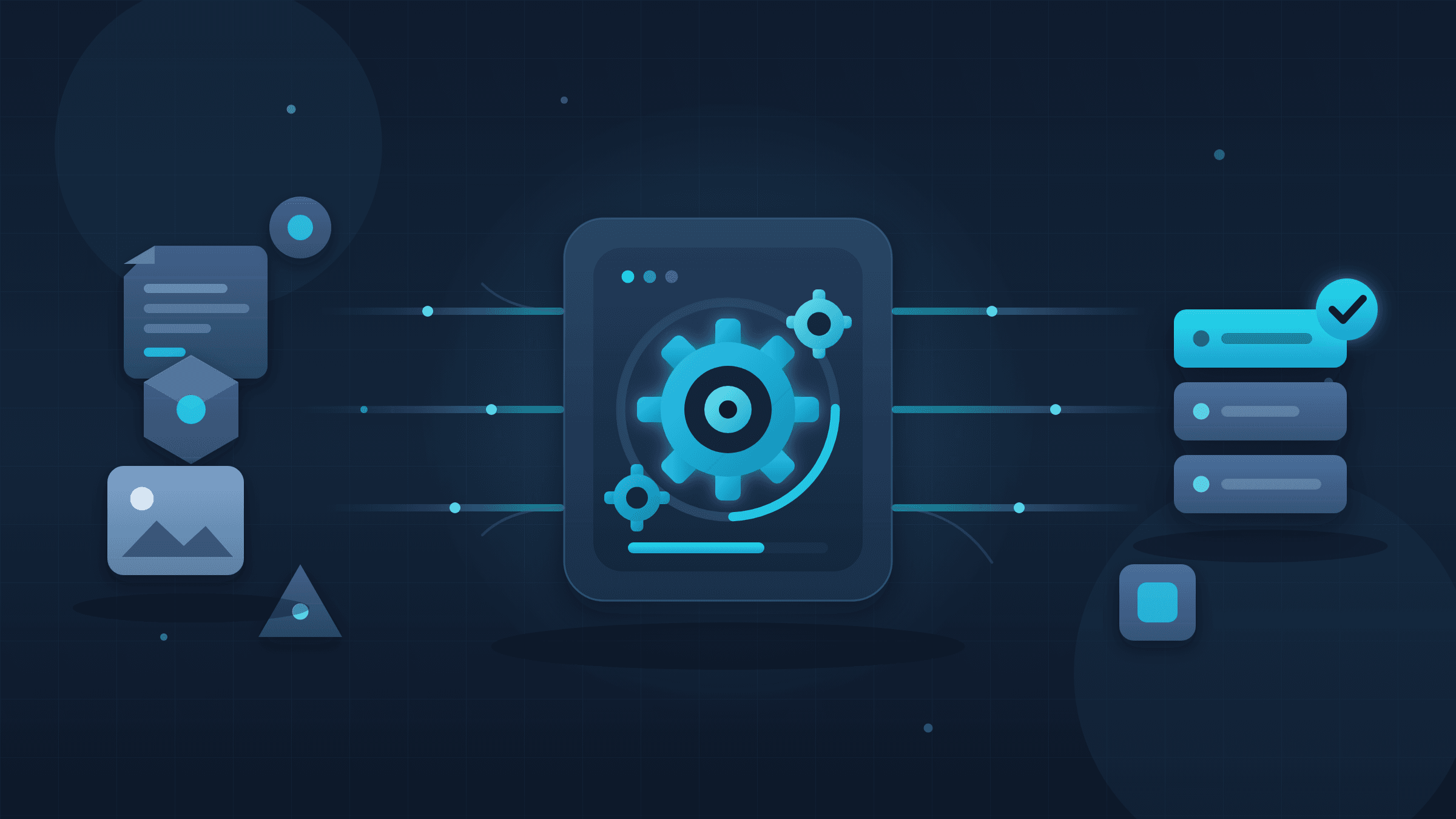
Architecture of a decoupled three-layer conversion pipeline showing ingestion queue, worker pools by resource class, and delivery webhooks.
Step-by-Step: Build a Resilient Mass File Conversion Workflow
Follow these steps to implement a production-ready pipeline that handles 1,000+ files without manual intervention.
1. Choose Your Queue
Redis Streams for simplicity, SQS for AWS-native, RabbitMQ for complex routing. We default to Redis—it's already in most stacks, and XADD/XREADGROUP semantics are straightforward.
2. Containerize Your Converter
FROM jrottenberg/ffmpeg:5.1-scratch
COPY convert.sh /convert.sh
ENTRYPOINT ["/convert.sh"]
Keep images small. A 2GB image with every font installed starts cold in 30 seconds. A minimal FFmpeg image starts in 2.
3. Implement Worker Heartbeats
Workers must report liveness. A worker that dies mid-conversion should have its job requeued automatically. Without this, you get "zombie jobs" that sit incomplete forever.
4. Add Circuit Breakers
If your storage backend (S3, etc.) returns 500s, stop hammering it. Fail fast, alert, and retry with backoff. The Netflix Hystrix pattern (now resilience4j or similar) applies directly here.
5. Monitor Queue Depth and Lag
Alert on queue depth > 10,000 jobs or lag > 5 minutes. These are your early warning signals. Tools like Prometheus + Grafana or Datadog handle this; even CloudWatch suffices for AWS-native setups.
6. Implement Dead-Letter Queues (DLQ)
After 3 retries with exponential backoff, move failed jobs to a DLQ. Inspect manually, fix the root cause, and replay. Never silently drop failures.
7. Test with Chaos
Kill a worker mid-conversion. Verify the job requeues. Fill your disk to 100%. Verify graceful degradation. If you don't test failure modes, production will do it for you.
How Can I Avoid Paying Multiple Subscriptions for PDF, Video, and Image Conversion?
Consolidate on a single API or self-hosted stack that handles all formats through unified FFmpeg/Pandoc/LibreOffice workers, eliminating per-tool SaaS sprawl.
The average team we audit uses 3.4 separate conversion tools: one for video (Zencoder/CloudConvert), one for PDF (PDF.co/DocSpring), one for images (Sharp/Cloudinary), plus ad-hoc scripts. Each has its own pricing, API quirks, and failure modes.
The unified alternative: FFmpeg handles video, audio, and image formats. Pandoc plus recent LibreOffice versions handle documents. A single worker image with both installed covers 95% of use cases. We helped a marketing automation platform consolidate from four paid services to a single Convert Fleet API integration, cutting their monthly conversion spend from $2,400 to $180 while improving reliability.
The trade-off: Unified tools have broader surface area but shallower feature depth for niche needs—PDF form flattening, specific video codecs. Audit your actual format distribution before committing. If 80% of your volume is MP4→WebM and PDF→PNG, unify. If you need DICOM medical imaging conversion, keep the specialist tool.
Common Pitfalls That Kill Conversion Pipelines
The most dangerous failures are subtle: resource leaks, silent data corruption, and cascading timeouts that appear as "random" production issues.
| Pitfall | Symptom | Fix |
|---|---|---|
| Memory leaks in long-running workers | OOM kills after 6-12 hours | Restart workers every N jobs or use memory limits + health checks |
| Blocking I/O on main thread | Throughput plateaus at ~10% CPU | Use async I/O or thread pools for file operations |
| No output validation | "Converts" that produce 0-byte files | Verify output size > 0, checksum against known good samples |
| Hard-coded timeouts | Large files fail unpredictably | Scale timeout with file size (e.g., 2× expected duration) |
| Ignoring codec licensing | Legal exposure for H.265, AAC | Use royalty-free alternatives (AV1, Opus) or license properly |
Real number: In a 2023 survey of 200 SaaS engineering teams by Honeycomb, 34% reported production incidents caused by "background job processing" in the prior quarter—making it the third-most-common incident category after database and deployment issues. Conversion pipelines are background jobs. Respect the category.
Is There a Single API That Handles All File Formats Instead of Using Different Tools?
Yes, but "handles all" is a spectrum. Evaluate based on your specific format matrix, not marketing claims.
A true "universal" converter doesn't exist because formats have incompatible semantic models—a PDF page layout has no direct video equivalent. What exists are unified APIs that abstract multiple converters behind one endpoint.
What to verify: - Codec support: Does "video conversion" mean H.264 only, or also AV1, ProRes, DNxHD? - Document fidelity: Does PDF→Word preserve tables, or just extract text? - Metadata handling: Does image conversion preserve EXIF? Strip it? Corrupt it?
Our testing methodology: We maintain a "torture test" corpus of 200 files across 50 formats, including edge cases (corrupted headers, 10GB+ videos, 10,000-page PDFs). Any API we evaluate processes the full corpus. Most fail 10-20% on first pass. This is the standard you should hold vendors to—including us.
For teams already in n8n, a high volume file conversion API with native nodes eliminates custom HTTP handling. Check whether the API offers: batch job submission (not just single-file), webhook completion, and explicit error codes (not just "400 Bad Request").
Scaling Economics: When to Self-Host vs. Use an API
The break-even point for self-hosting a conversion pipeline is typically 3,000-5,000 conversions per month, assuming $0.10-0.25 per conversion API pricing and $100-200/month server costs.
Here's the math we use with teams:
| Monthly Volume | API-Only Cost | Self-Hosted Cost | Recommended |
|---|---|---|---|
| < 1,000 | $50-100 | $150+ (over-provisioned) | API |
| 1,000-5,000 | $250-500 | $150-250 | Hybrid or API |
| 5,000-20,000 | $500-2,000 | $250-500 | Self-hosted + API burst |
| > 20,000 | $2,000+ | $500-1,000 | Self-hosted, API for overflow |
Hidden factor: Engineering time. A self-hosted pipeline requires 2-5 hours/week of maintenance at steady state, more during incidents. At $150/hour fully-loaded engineer cost, that's $1,200-3,000/month in hidden expense. Don't ignore it in your TCO calculation.
Common Mistakes Engineers Make When Building Batch File Conversion at Scale
The worst mistakes look like shortcuts. They save hours in development and cost days in production.
Mistake 1: Treating Conversion as a Synchronous Operation
A 30-second video transcode at 100 concurrent requests becomes 50 minutes of queued misery. Design for async from day one. Return a job ID immediately, let the client poll or receive webhooks.
Mistake 2: Storing Intermediate Files on Local Disk
Containers are ephemeral. A worker crash with 20GB of temp files on local SSD loses everything. Stream to object storage (S3, GCS, R2) or mount network storage. We prefer streaming writes—no local disk dependency at all.
Mistake 3: Ignoring Format-Specific Resource Profiles
Video conversion is CPU/GPU-bound and memory-hungry. Document conversion (LibreOffice headless) leaks memory over time. Image batch processing is often I/O-bound. Running them on identical worker instances wastes money and creates bottlenecks. Use resource classes—separate worker pools sized per workload.
Mistake 4: Skipping Output Verification
A "successful" conversion that produces a 12KB "video" is worse than a failure—it propagates corruption downstream. Always verify: output size > 0, valid magic bytes for target format, and for video, a playable header check (ffprobe). We caught a bug in 2024 where a codec update silently produced unplayable WebM files—only our output verification caught it before customer delivery.
Mistake 5: Neglecting the "Thundering Herd" on Restart
Restart 50 workers simultaneously after a deployment, and they'll all hammer your queue, database, and storage. Use staggered startup or rate-limited polling to smooth the load. AWS SQS handles this natively with visibility timeouts; Redis requires explicit jitter in your polling loop.
Frequently Asked Questions
How do I handle file format errors in bulk conversion? Validate file headers (magic bytes) before queueing, not just extensions. Log format mismatches to your DLQ for inspection. Reject at ingestion rather than fail during conversion.
What's the maximum file size for reliable automated conversion? For APIs, check documented limits (typically 100MB-2GB). For self-hosted, limit by available RAM × 2 for video, or disk speed for documents. We cap at 5GB per file regardless of infrastructure.
Can I run conversion workers on serverless (Lambda/Cloud Functions)? Yes, for jobs under 15 minutes and 10GB memory. Cold starts hurt latency; use provisioned concurrency for time-sensitive batches. GPU conversion (video transcoding) requires EC2 or GCE.
How do I prevent duplicate conversions? Idempotency keys. Generate a hash of (input file checksum + target format + parameters). Check against a cache (Redis, DynamoDB) before processing.
What monitoring is essential for conversion pipelines? Queue depth, worker lag, conversion success rate by format, output file size distribution (catches corruption), and cost per conversion. Alert on any metric deviating >20% from 7-day baseline.
Conclusion
A bulk file conversion architecture that scales to thousands of files isn't about finding the one magic tool. It's about decoupling ingestion from processing, using queues and worker pools, and choosing your cost/control trade-off based on real volume. Start with a managed API to validate your use case, migrate to hybrid or self-hosted as scale justifies the engineering investment, and never skip monitoring, idempotency, or dead-letter queues.
If you're building in n8n and need conversion that keeps up with your automation ambitions—not caps it—Convert Fleet's FFmpeg API and n8n tools are built for exactly this pattern: queue-friendly, flat-priced, and engineered for throughput over upsell.
Read next

Developer & APIs · Jul 15, 2026
File Conversion MCP Tool: Add It to Claude Code in 5 Min
Turn Convertfleet into a file conversion MCP server for Claude Code, Cursor, or any AI agent. Free tool-definition JSON included for automation workflow tools.

File Conversion · Jul 15, 2026
File Conversion API: 2025 Guide to Replacing 123apps at Scale
Hit limits with 123apps? Learn when free file conversion online tools stop scaling and how a file conversion API like Convert Fleet fixes batch, automation, and quality.

Automation & Workflows · Jul 15, 2026
How to Automate File Conversion in Pipedream: Audio, PDF & Video
Learn how to automate file conversion in Pipedream with a free API. Build workflows that convert audio, PDF, and video without managing ffmpeg or Lambda.