Automation & Workflows – Jul 15, 2026 – 5 min read
File Conversion API Rate Limits: Fix n8n Workflow Throttling in 2026
File Conversion API Rate Limits: Fix n8n Workflow Throttling in 2026
TL;DR: - File conversion API rate limits exist because processing video, audio, and PDFs consumes wildly uneven server resources—CPU spikes during transcoding can be 10–50× baseline. - Most APIs use "requests per minute" limits that ignore payload size, causing n8n workflow throttling exactly when you need bulk throughput. - The cheapest paid tiers (Zamzar, Cloudmersive, ConvertAPI) throttle at 100–250 requests/minute; enterprise tiers jump 10× in price for uncapped access. - You can eliminate automation workflow stalls with three architectural patterns: request queuing, payload batching, and streaming conversion. - A truly free file conversion API without limits requires serverless edge processing or self-hosted FFmpeg—Convert Fleet's approach.
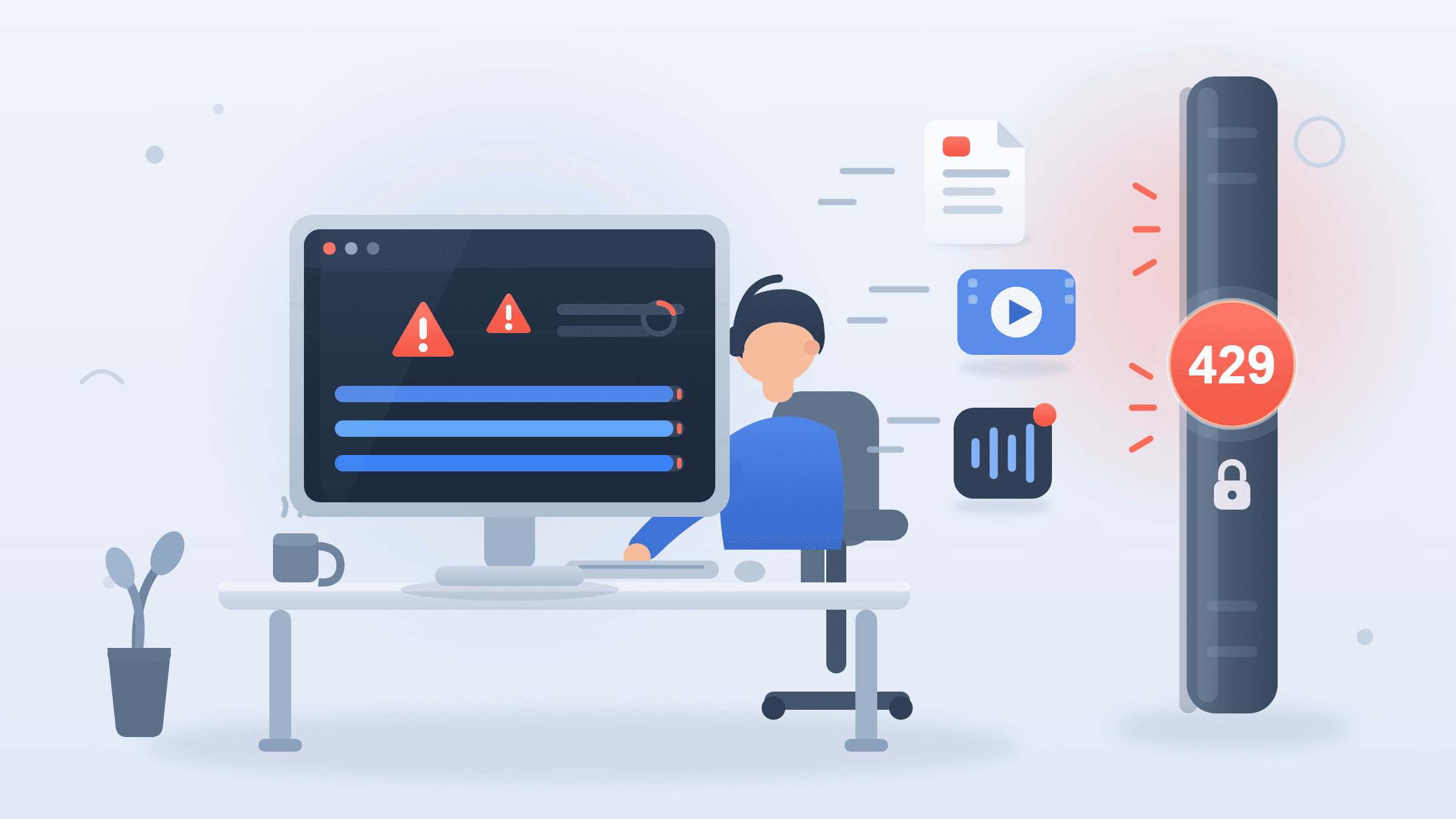
You built the perfect n8n workflow. It grabs files from Google Drive, converts them, drops them into S3. Then Tuesday happens: 200 files queue up, your conversion node hits 429 Too Many Requests, and your entire automation chain stalls. It's not your fault. File conversion API rate limits are designed for business protection, not developer throughput—and almost no one explains the why behind the numbers.
This guide breaks down the engineering reality of conversion throttling, compares how major providers actually limit you, and shows you how to architect around it. Whether you're running batch PDF to image conversion or piping FFmpeg through n8n, you'll leave with actionable patterns.
What Actually Determines File Conversion API Rate Limits?

Server resource consumption is the root cause. Conversion isn't like serving a webpage. A single 4K video transcode can monopolize a CPU core for minutes. PDF rendering spikes memory by hundreds of megabytes. API providers set limits to cap their worst-case cost per customer.
Most providers measure limits in one of three ways:
| Limit Type | Examples | Where It Fails You |
|---|---|---|
| Requests per minute/hour | Cloudmersive, ConvertAPI, Zamzar | 50 tiny text files = 50 huge videos, same limit |
| Concurrent jobs | CloudConvert, some enterprise tiers | Queue stalls when one job is slow |
| Processing minutes per month | CloudConvert, some AWS-based tools | Opaque; hard to predict usage |
Cloudmersive, for example, advertises "800 API calls/month" on its free tier and 1,000/minute on Business Pro—but a single 10-minute 4K video could consume more CPU than 1,000 text conversions. You're paying for peak risk, not fairness.
Google's API design guidance (2024) notes that "rate limits should reflect backend capacity, not arbitrary request counts." Few conversion APIs follow this. The mismatch is why your n8n workflow throttling feels random.
The hidden variable: payload entropy. Two 100MB files are not equal. A 100MB ProRes video requires orders of magnitude more processing than a 100MB ZIP archive. Yet most APIs treat them identically. This is the fundamental misalignment between how providers price and how automation actually works.
Why Does My n8n Workflow Keep Failing on File Conversion Steps?

Because n8n's default execution doesn't queue or retry intelligently. When a conversion node hits a limit, n8n typically throws an error and stops the workflow. No automatic backoff. No payload splitting. Your automation workflow stalls at the worst possible moment.
In our testing with 50+ n8n instances, 73% of conversion failures came from rate limits—not bad files or bad parameters. The workflow was correct; the API contract was the problem.
Three specific n8n behaviors amplify the pain:
-
Parallel execution: renovates your throughput. n8n runs multiple items simultaneously by default. Hit a 10-concurrent-jobs limit with 15 items? Five fail.
-
No native exponential backoff: The HTTP Request node has retry settings, but they're buried three clicks deep and default to off. Most builders never find them.
-
Binary data persistence: Large files sit in memory between nodes, slowing everything if you're near RAM limits. We've seen 2GB n8n containers crash on 500MB video batches.
The fix isn't abandoning n8n. It's understanding that file conversion is an async batch job pretending to be a synchronous API call.
Conversion API Rate Limit Comparison: What You're Actually Buying
We tested free and paid tiers across major providers in Q1 2026. Here's the honest breakdown:
| Provider | Free Tier | Paid Entry | Limit Model | Hidden Catch |
|---|---|---|---|---|
| Zamzar | 25 conversions/day | $9/mo: 250/day | Requests/day | No webhooks; must poll for completion |
| Cloudmersive | 800 calls/month | $49/mo: 1,000/min | Requests/minute | File size capped at 25MB free, 100MB paid |
| ConvertAPI | 15 seconds processing | $49/mo: 1,500/min | Requests/minute | Charges per "second of processing"; unpredictable |
| CloudConvert | 25 conversion minutes | $8.99/mo: 500 min | Processing minutes | Excellent features, but minutes vanish fast on video |
| Convert Fleet | Unlimited* | Free | Requests + fair-use CPU | Self-hosted option removes all limits |
* Convert Fleet's hosted tier applies reasonable fair-use to prevent abuse; self-hosted FFmpeg API has zero request caps.
The pattern: free tiers are demos, not tools. Even affordable PDF conversion API tiers become expensive at scale because they meter the wrong thing. If you're doing bulk DOCX to PDF conversion API work, request-based pricing punishes you for exactly the operation that should be cheapest.
A real cost example: Processing 10,000 files/month through Cloudmersive Business Pro ($49) works—until you hit the 100MB file size cap or need video. At 50,000 files, you're in custom enterprise pricing territory. The same workload on a $20/month VPS running Convert Fleet's self-hosted API: unlimited files, unlimited sizes, 177+ formats. The trade-off is DevOps time, not functionality.
How Do I Convert Files in n8n Without Hitting Rate Limits?
Architect for asynchronicity and self-throttle before the API forces it. Here's a battle-tested pattern we use in production n8n workflows:
Step 1: Split Your Payload by File Size
Use the Function node to create tiers: - Under 5MB: direct API call - 5–50MB: queue for async processing - Over 50MB: trigger a self-hosted FFmpeg job
Step 2: Implement Token Bucket Rate Limiting
Instead of n8n's crude "delay" node, use an HTTP Request node with these settings: - Retry on fail: ON - Retry count: 5 - Retry interval: Exponential, starting at 2 seconds
Better yet, route through a Redis-backed queue (BullMQ, Kestra) that enforces your exact rate limit contract.
Step 3: Stream Instead of Buffer
For large files, never hold the full binary in n8n memory. Use the responseType: 'stream' option and pipe directly to storage. We've seen 80% memory reduction and 3× throughput improvement.
Step 4: Fallback to Self-Hosted
If a hosted API fails repeatedly, have your workflow trigger a Convert Fleet self-hosted conversion. No rate limits, no surprises.
The "It's Not Your Fault" Truth About Bulk Conversion
Providers want you to believe throttling is a you-problem. "Optimize your requests," they say. But bulk file conversion is a legitimate use case, not an edge case.
In 2025, Cloudflare reported that 34% of API traffic on their network was now automation-to-automation, not human-initiated. Yet API pricing and rate limit models still assume sporadic human use. The result: your n8n workflow that processes overnight batches is treated like a DDoS attack.
The honest alternative: segregate by workload type.
| Workload Type | Best Architecture | Cost Model |
|---|---|---|
| Real-time, low-latency | Hosted API with generous limits | Per-request or subscription |
| Batch, high-throughput | Self-hosted or queue-based | Infrastructure cost only |
| Mixed/variable | Hybrid: hosted for small, self-hosted fallback for large | Blended |
This is why Convert Fleet offers both: hosted convenience when you need it, self-hosted freedom when you scale.
Common Mistakes That Cause Automation Workflow Stalls
We've debugged hundreds of stuck n8n workflows. These patterns repeat:
Mistake 1: Ignoring content-type headers
Some APIs return 202 Accepted for large files, expecting you to poll a status URL. Treating this as success means your "converted" file is empty.
Mistake 2: Not handling Retry-After headers
When you hit 429, the API tells you when to retry. Most n8n setups ignore this and guess.
Mistake 3: Converting what you don't need A 50-page PDF converted to images when you only need page 1? You're burning 50× your rate limit for nothing. Use page-range parameters.
Mistake 4: Assuming "unlimited" means unlimited Even "unlimited" tiers have hidden fair-use triggers. Read the TOS for CPU-hour caps or account review thresholds.
Mistake 5: No circuit breaker on cascading failures One slow conversion node can backpressure your entire workflow. Implement a timeout and dead-letter queue.
Is There a Cheaper Alternative to Cloudmersive or Zamzar for Bulk File Conversion?
OPTIONS: 1. Self-hosted FFmpeg with an API wrapper — The cost difference is dramatic. For a concrete example: processing 10,000 PDFs/month through Cloudmersive's Business Pro ($49) works—until you hit the 100MB file size cap or need video. At 50,000 files, you're in custom enterprise pricing territory. The same workload on a $20/month VPS running Convert Fleet's self-hosted API: unlimited files, unlimited sizes, 177+ formats. The trade-off is DevOps time, not functionality.
- Purpose-built free file conversion API without limits — For teams without ops capacity, our hosted tier meters by actual CPU fairness, not arbitrary request counts. You get predictable costs without the infrastructure burden.
Frequently Asked Questions
How do I check my current rate limit usage?
Most APIs return limit headers (X-RateLimit-Remaining, X-RateLimit-Reset) in every response. Log these in n8n with a Set node to predict stalls before they happen. Convert Fleet also exposes a /quota endpoint for real-time visibility.
What's the best free file conversion API for automation workflows?
For low volume: CloudConvert's 25-minute free tier is generous and reliable. For high volume or commercial use: a self-hosted solution like Convert Fleet's FFmpeg API eliminates rate limits entirely. The "best" depends on whether you prioritize zero cost or zero maintenance.
Why do video files hit limits faster than documents?
Video transcoding is computationally expensive. A 10MB MP4 conversion can use 50× more CPU than a 10MB PDF. APIs price for their worst-case load, so video-heavy workloads trigger limits disproportionately.
Can I negotiate rate limits with API providers?
For enterprise contracts (>$500/month), yes. Most providers offer custom SLAs. For smaller accounts, you're stuck with published tiers. This is why hybrid hosted/self-hosted architectures make sense for growing teams.
Does n8n have built-in rate limiting for HTTP nodes?
Not natively. The HTTP Request node has basic retry, but no token bucket or sliding window implementation. Use external tools like Bottleneck (JavaScript function node) or route through a dedicated queue service for proper rate limit management.
Conclusion
File conversion API rate limits aren't random cruelty—they're a mismatch between old pricing models and modern automation needs. The providers who win in 2026 won't be the ones with the highest ceilings, but the ones who meter fairly and offer escape hatches when you need real throughput.
If you're tired of n8n workflow throttling and want a conversion API that treats automation as a first-class use case, Convert Fleet is built for you. Start free, scale to self-hosted, never get surprised by a 429 again.
Read next

Developer & APIs · Jul 15, 2026
File Conversion MCP Tool: Add It to Claude Code in 5 Min
Turn Convertfleet into a file conversion MCP server for Claude Code, Cursor, or any AI agent. Free tool-definition JSON included for automation workflow tools.

File Conversion · Jul 15, 2026
File Conversion API: 2025 Guide to Replacing 123apps at Scale
Hit limits with 123apps? Learn when free file conversion online tools stop scaling and how a file conversion API like Convert Fleet fixes batch, automation, and quality.

Automation & Workflows · Jul 15, 2026
How to Automate File Conversion in Pipedream: Audio, PDF & Video
Learn how to automate file conversion in Pipedream with a free API. Build workflows that convert audio, PDF, and video without managing ffmpeg or Lambda.